To translate this checklist into Spanish or another language,
select the “Translate” button in the navigation menu.
Para traducir esta lista de verificación al español u otro idioma,
seleccione el botón para "transladar" en el menú de navegación.
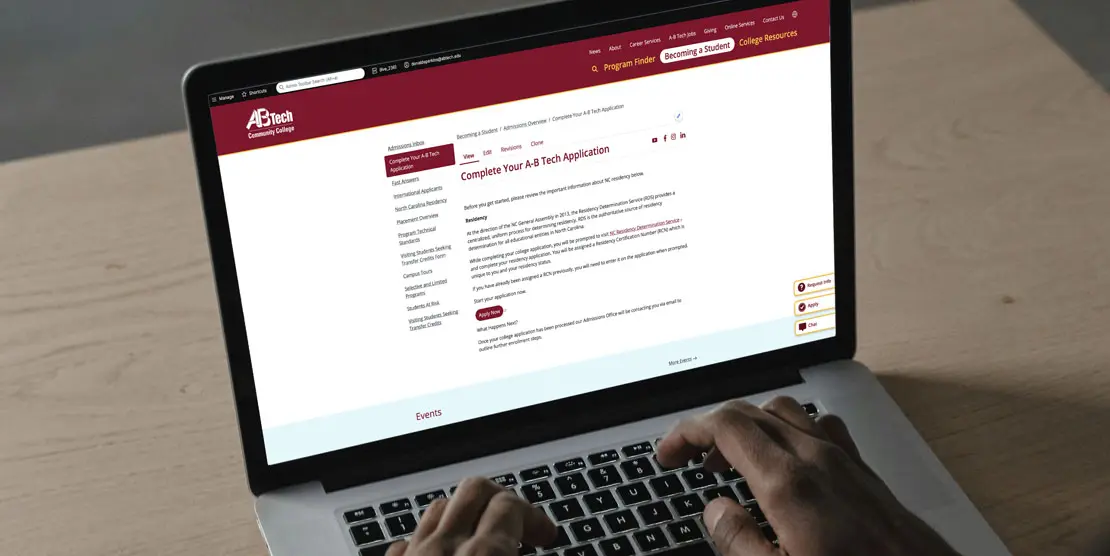
Apply to A-B Tech by completing three steps:
- Submit the college application and select a program of study
- Complete Residency Determination through the NC Residency Determination Service and enter your Residency Certification Number, and
- Request your high school transcript (recommended for placement; for info about placement options, see Placement Overview).

Need help choosing a program?
Student Advisors are available to assist students with choosing a program based on their goals. Contact Student Advisors at advising@abtech.edu. If you’re undecided about a career path or program, free Career Counseling is available at (828) 398-7209, Career Services at A-B Tech, or careerservices@abtech.edu.

Consult With Your Advisor
You must meet with your assigned advisor each semester before registering. Log in to Self-Service to find your advisor’s name and contact information. If your advisor is listed as Student Advisor or no advisor appears, contact Student Advising at advising@abtech.edu or visit Advising At A-B Tech.

Register & Pay for Classes
Register in Self-Service after completing the Payment Agreement.
Get help with registration at Registration and view payment options, including payment plans, at Pay For Classes.
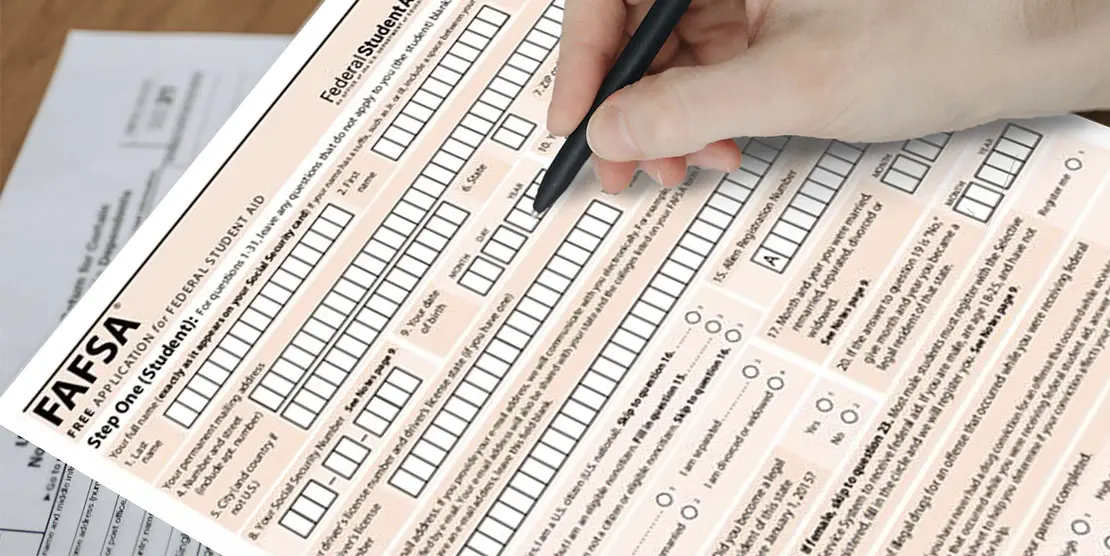
Apply for Financial Aid
We encourage you to complete a Free Application for Federal Student Aid (FAFSA) online at fafsa.gov and include A-B Tech’s school code (004033). For help with your FAFSA, make an appointment at Applying for Aid. Be sure to check Self-Service and student email regularly for Financial Aid updates. Financial Aid information is available at Financial Aid.

Set Up Your Student Accounts & Complete Orientation
- Create your A-B Tech password and complete Multifactor Authentication (required) at Account Security
- Complete New Student Orientation at New Student Orientation using your student ID (emailed ~24 hours after you apply)
Students with a prior degree or visiting students will be waived from NSO and receive a New Student Resource Guide by email.